CUMBIA

Un generador de cumbia colombiana de Monterrey para el M-VAVE FM-1. Cada vez que tiras el dado nace una canción nueva: acordeón al frente, bajo, guacharaca, congas y gritos. Y cuando quieras, con los controles armas un cumbión rebajado.

A Colombian-cumbia-from-Monterrey generator for the M-VAVE FM-1. Every roll of the die makes a new song: accordion up front, bass, guacharaca, congas and shouts. And whenever you want, the controls let you build a slowed-down cumbión.

Instalar en tu FM-1Install on your FM-1 Tócalo aquíPlay it here

Gratis y de código abierto. Desde Chrome o Edge, por USB. Siempre puedes regresar al firmware oficial.

Free and open source. From Chrome or Edge, over USB. You can always go back to the official firmware.

Qué esWhat it is

Un sonidero en la palma de la mano

A sonidero in the palm of your hand

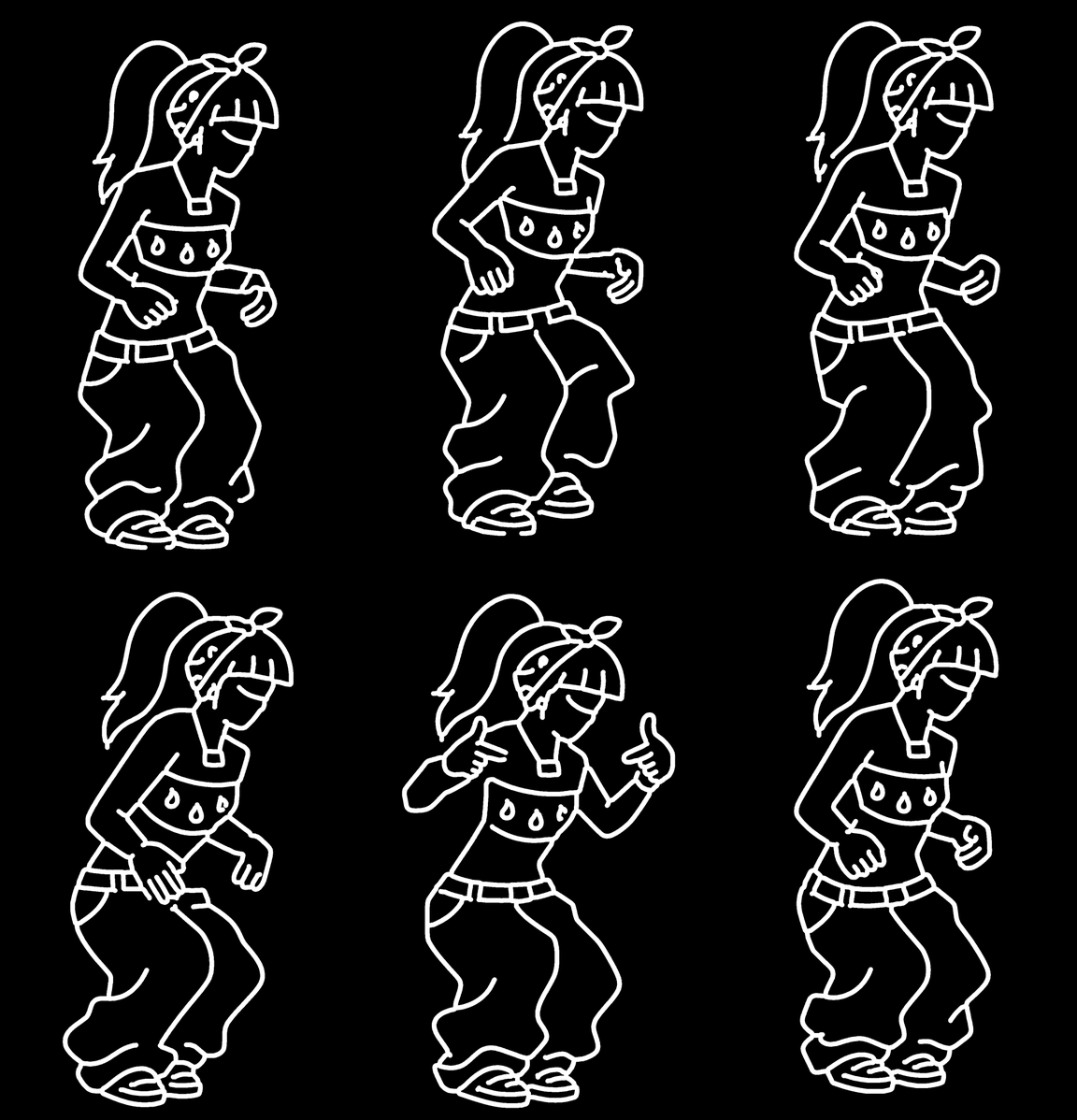
El FM-1 compone y toca cumbias en tiempo real, siempre en tono menor, con el acordeón al frente como manda la tradición. Tú la diriges: la rebajas, le metes gritos con eco de sonidero, la regresas en cinta, la cambias a boom bap o la cortas para levantar la pista.

The FM-1 writes and plays cumbias in real time, always in a minor key, with the accordion up front as tradition demands. You run the show: slow it down, throw in shouts with a sonidero echo, spin the tape backwards, flip it to boom bap, or cut it to lift the floor.

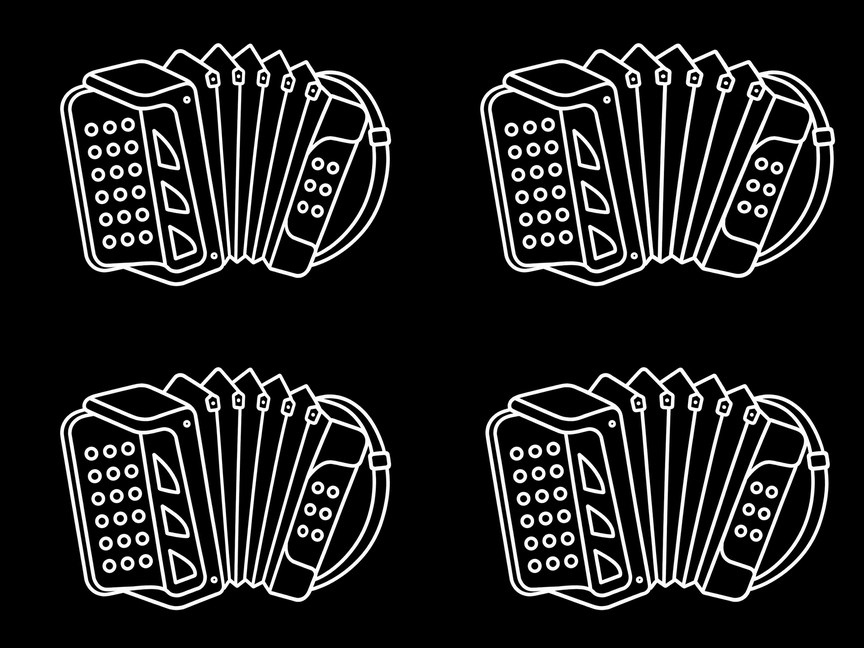
AcordeónAccordion
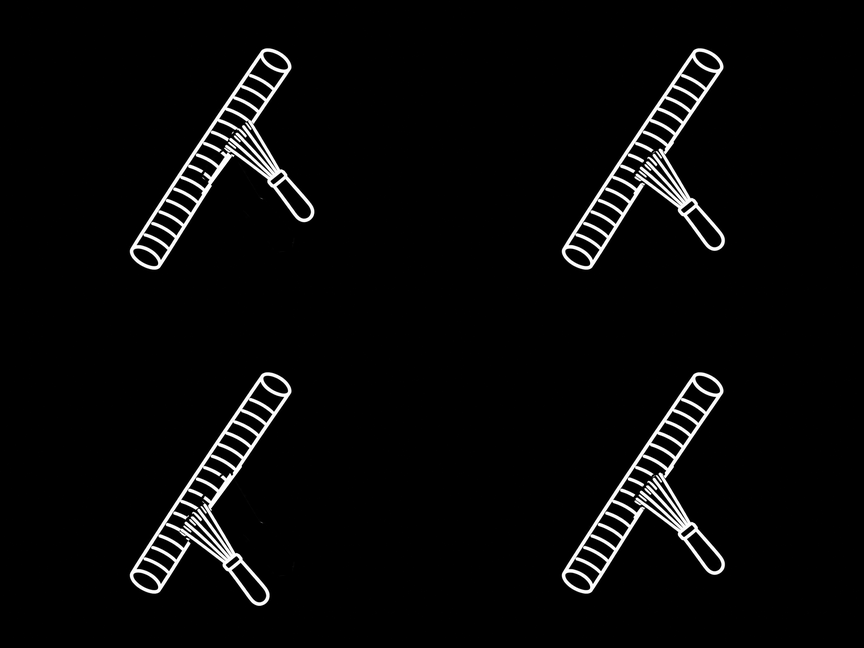
Guacharaca
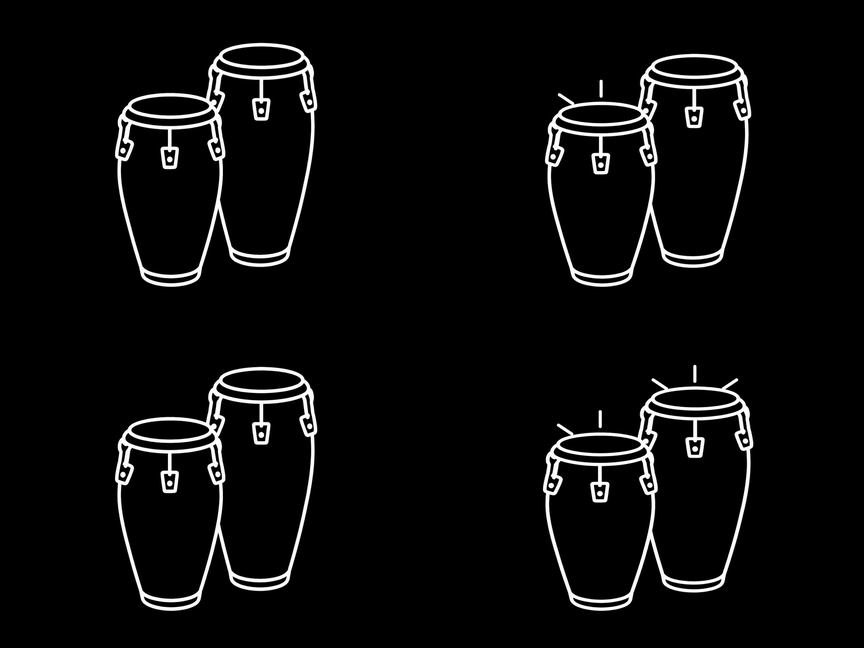
Congas
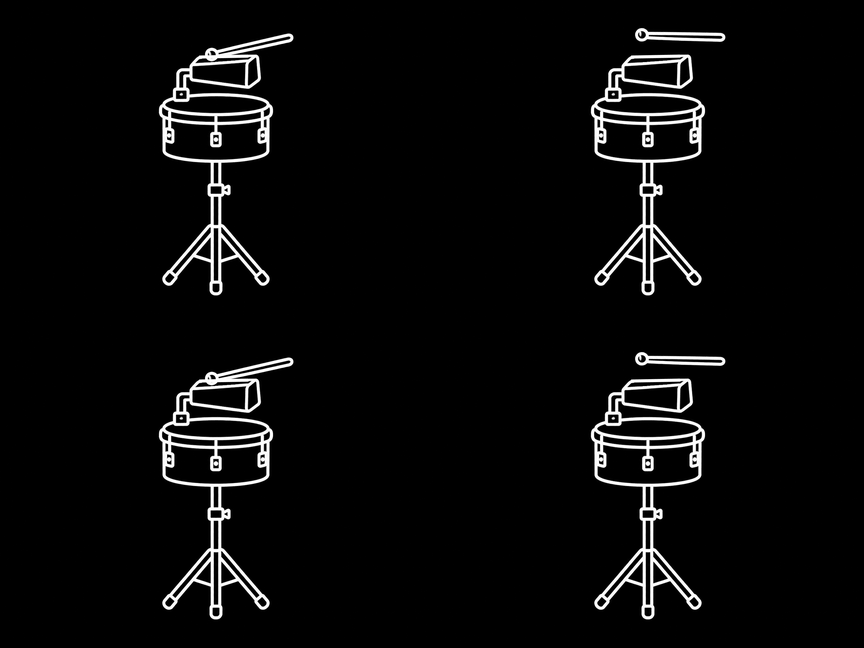
Timbal y campanaTimbal and bell
BajoBass
GritosShouts

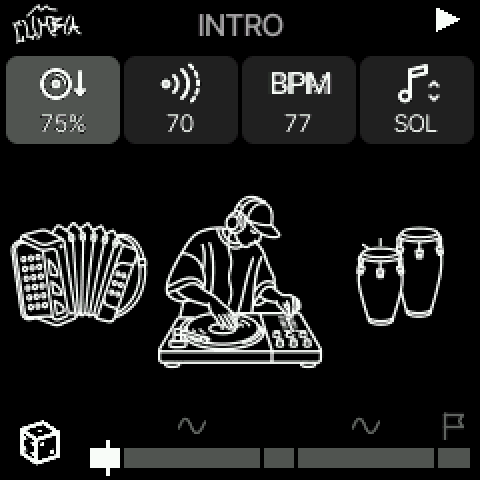
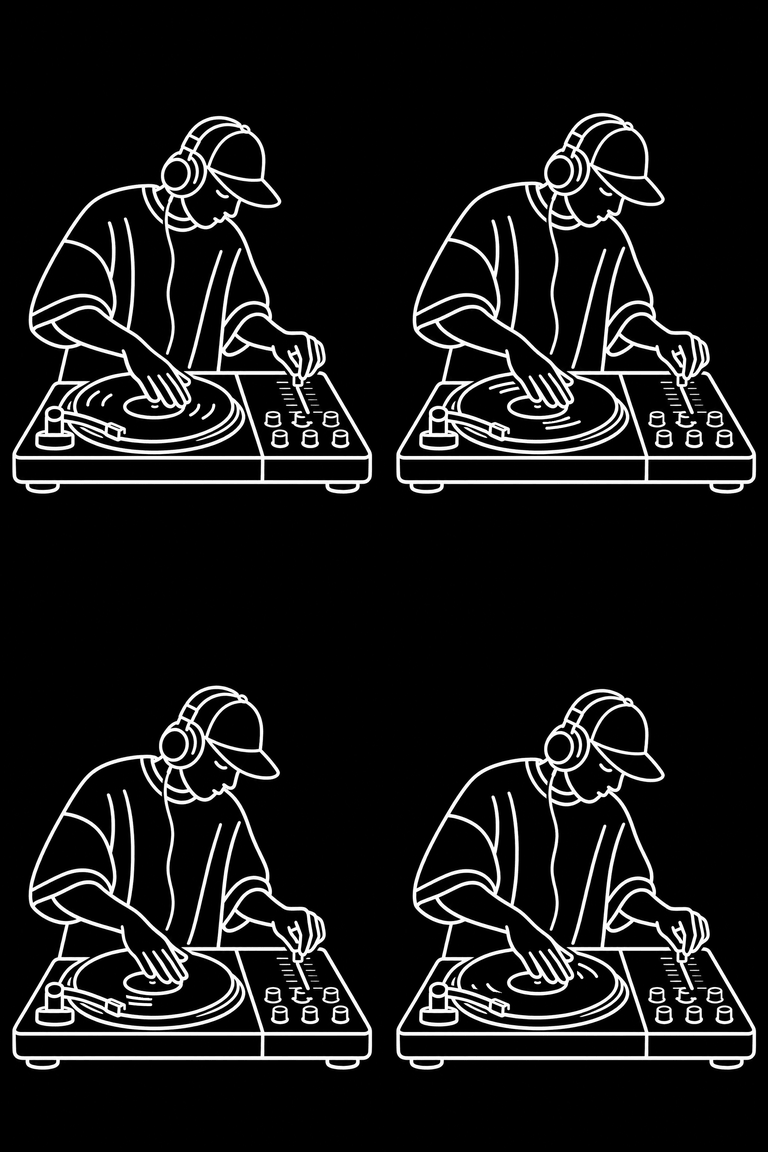
Y cuando entra el boom bap, entra el DJ

And when the boom bap kicks in, the DJ shows up

Un botón cambia la percusión a bombo y tarola con swing, sin soltar la cumbia. El bailarín le deja la pantalla al DJ.

One button swaps the percussion for a swung kick and snare, without letting go of the cumbia. The dancer hands the screen over to the DJ.

HistoriaHistory

La Colombia de Monterrey

Monterrey's Colombia

En las colonias populares de Monterrey, sobre todo en la Independencia, al pie del Cerro de la Campana, la cumbia y el vallenato llegaron en discos y se quedaron. Para mucha gente que había llegado del campo a trabajar en la ciudad, esas canciones de acordeón y nostalgia se volvieron propias. A Monterrey le dicen todavía "Colombia chiquita".

In Monterrey's working-class neighborhoods, above all Colonia Independencia at the foot of the Cerro de la Campana, cumbia and vallenato arrived on records and stayed. For many people who had come from the countryside to work in the city, those songs of accordion and longing became their own. Monterrey is still called "little Colombia".

Los sonideros llevaban la música a los bailes con sus discos y su equipo. Uno de los más queridos es Gabriel Dueñez, Sonido Dueñez. Cuenta la historia que una noche su equipo empezó a fallar y las cumbias sonaron más lentas. A la gente le encantó y empezó a pedirlas así. Dueñez convirtió el accidente en estilo y vendía sus casetes de cumbias rebajadas en el Puente del Papa.

Sonideros brought the music to the dances with their records and sound systems. One of the most beloved is Gabriel Dueñez, Sonido Dueñez. The story goes that one night his equipment started failing and the cumbias played slower. The crowd loved it and began asking for them that way. Dueñez turned the accident into a style and sold his cassettes of rebajada (slowed-down) cumbia on the Puente del Papa.

Celso Piña (1953–2019), El Rebelde del Acordeón, aprendió solo a tocar el acordeón de botones en la Independencia y con su Ronda Bogotá llevó la cumbia colombiana de Monterrey a todo el mundo, mezclándola sin miedo con lo que se le pusiera enfrente.

Celso Piña (1953–2019), El Rebelde del Acordeón, taught himself the button accordion in Colonia Independencia, and with his Ronda Bogotá he took Monterrey's Colombian cumbia around the world, fearlessly mixing it with whatever came his way.

En 2001 llegó el cruce que lo cambió todo: Toy Selectah, entonces Toy Hernández de Control Machete, produjo «Cumbia sobre el río» para el disco Barrio Bravo. El acordeón de Celso se encontró con el hip hop y el reggae, y la cumbia de la colonia sonó igual en los bailes que entre el público del rock y el rap. De ese cruce sale el boom bap de este firmware.

In 2001 came the crossover that changed everything: Toy Selectah, then Toy Hernández of Control Machete, produced "Cumbia sobre el río" for the album Barrio Bravo. Celso's accordion met hip hop and reggae, and the neighborhood cumbia hit the dance halls and the rock and rap crowds alike. That crossover is where this firmware's boom bap comes from.

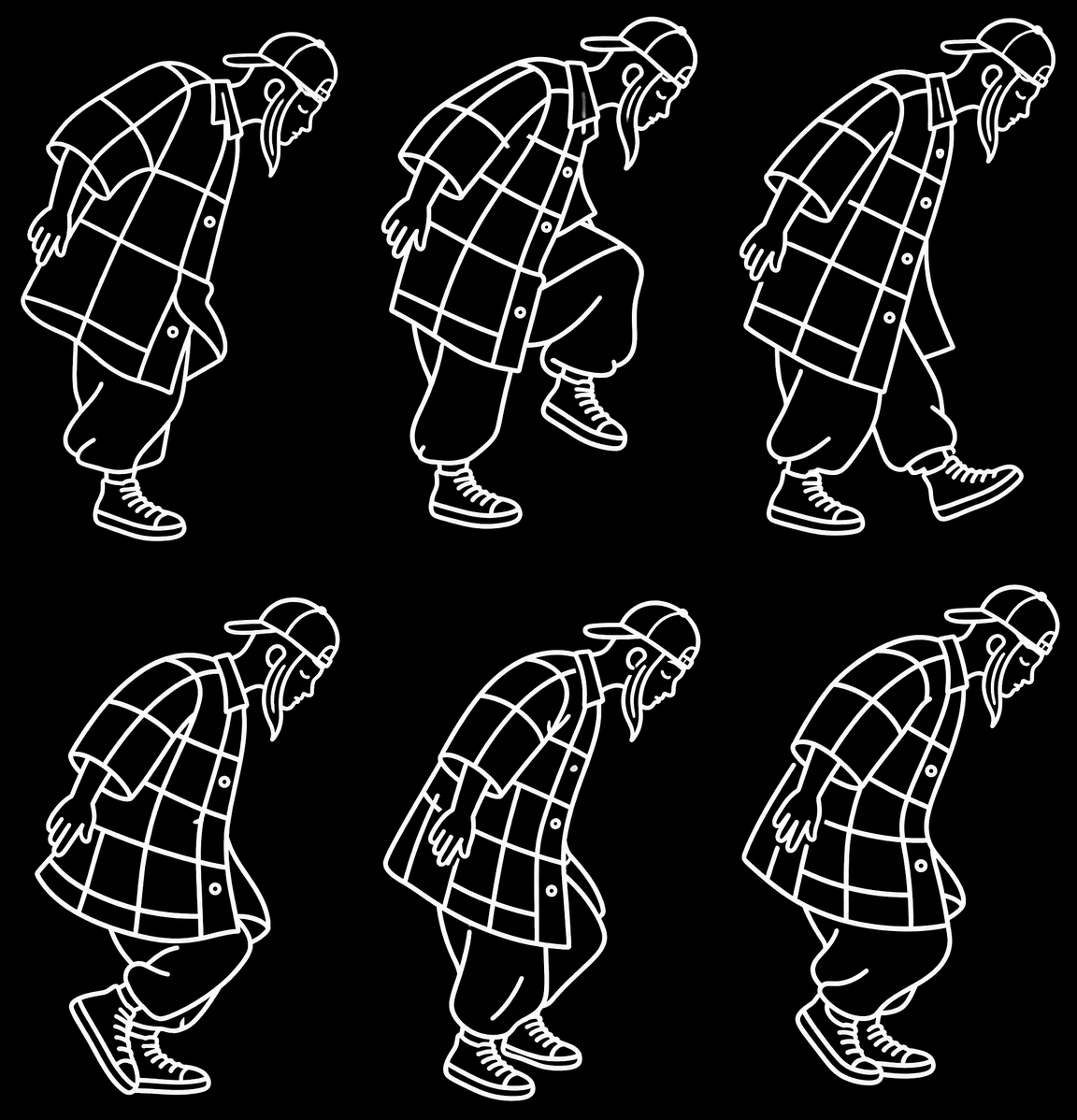
De ahí salieron los cholombianos: los jóvenes de la colonia que hicieron de la cumbia una forma de vivir, con sus camisas holgadas, gorras, peinados con mechones largos y un paso de baile propio. Este firmware es un homenaje a todos ellos.

That is where the cholombianos came from: neighborhood kids who made cumbia a way of life, with loose shirts, caps, long-lock haircuts and a dance step of their own. This firmware is a tribute to all of them.
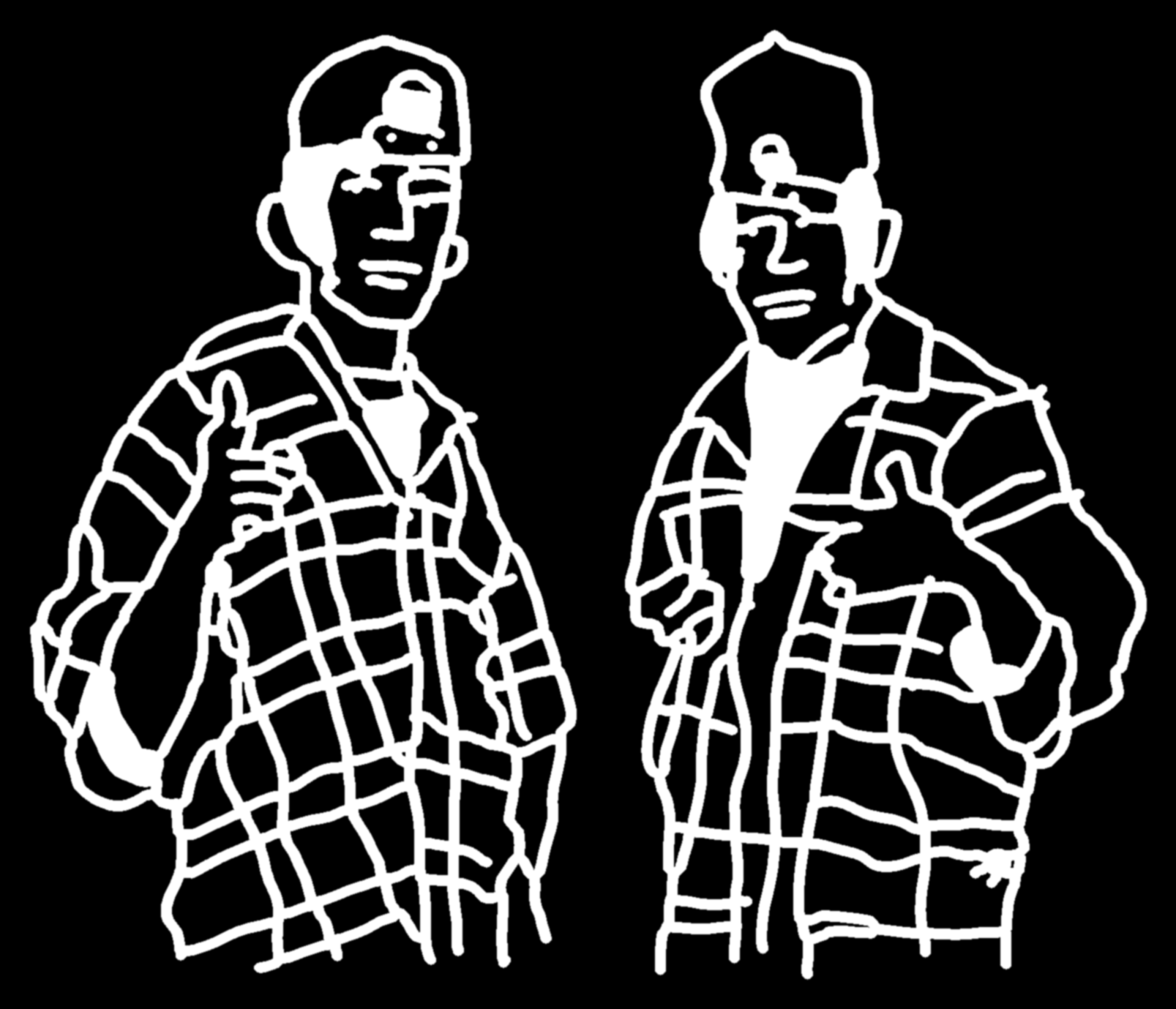
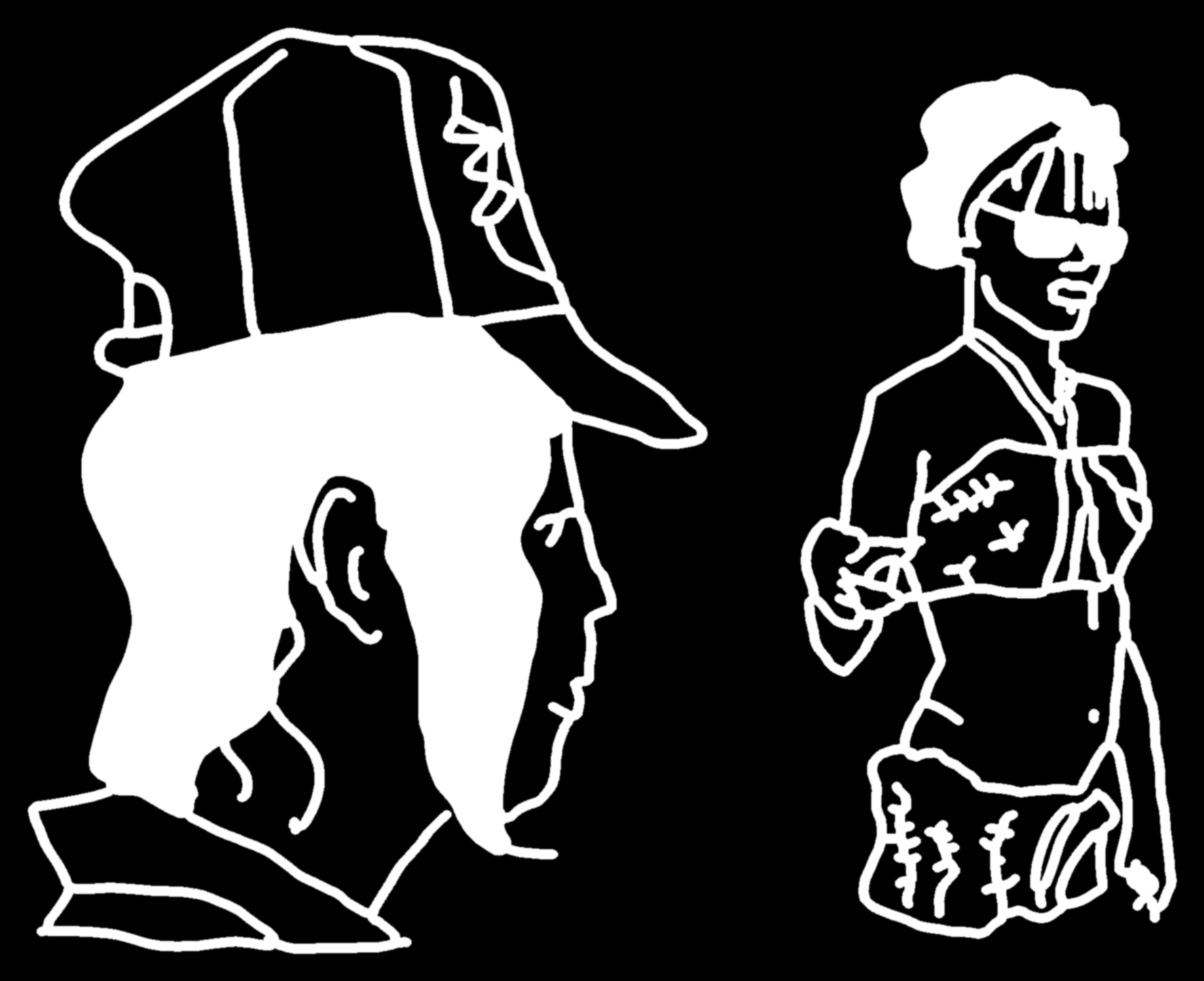
Ilustración: Alan Daf
Illustration: Alan Daf
InstalarInstall

Cinco minutos y a bailar

Five minutes and you're dancing

Necesitas una computadora con Chrome o Edge, un cable USB de datos (no solo de carga) y el FM-1 con batería. Cierra otros programas que usen MIDI.

You need a computer with Chrome or Edge, a USB data cable (not a charge-only one) and the FM-1 with some battery. Close other apps that use MIDI.

  1. Abre el instaladorOpen the installer Conecta el FM-1 directo a la computadora, sin hub, y abre el instalador. Plug the FM-1 straight into the computer, no hub, and open the installer.
  2. Presiona InstallPress Install La barra dice "1/2 Firmware". Se escribe el programa nuevo. The bar reads "1/2 Firmware". The new program is written.
  3. El FM-1 se apaga unos segundos. Es normal.The FM-1 goes dark for a few seconds. That's normal. A la mitad, el FM-1 se reinicia y la pantalla queda negra un momento. No lo desconectes. Halfway through, the FM-1 restarts and the screen stays black for a moment. Don't unplug it.
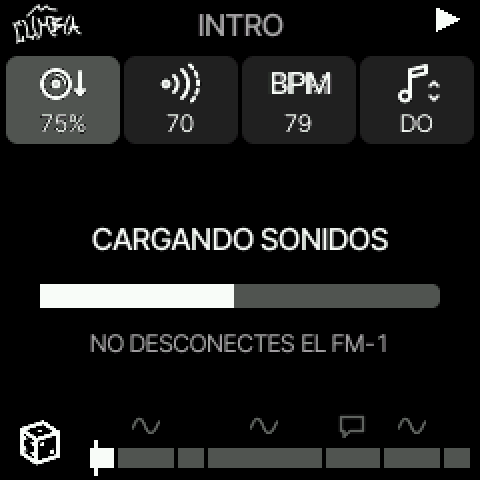
  4. Se cargan los sonidosThe sounds load Al prender, la barra dice "2/2 Sounds" y el FM-1 muestra "CARGANDO SONIDOS". Aquí entran la percusión real y los gritos: son los que le dan el sonido original de la cumbia. Solo pasa la primera vez y cuando cambian los sonidos. When it powers back on, the bar reads "2/2 Sounds" and the FM-1 shows "CARGANDO SONIDOS". This is where the real percussion and the shouts go in: they give the cumbia its original sound. It only happens the first time and when the sounds change.
  5. Listo: dale PLAYDone: hit PLAY Aparece el logo y luego la pantalla principal. La primera canción sale al azar. The logo appears, then the main screen. The first song is random.

Para regresar al firmware oficial, en el mismo instalador abre "Return to official V15". Si una instalación falla y el FM-1 no arranca, normalmente entra solo a su modo de descarga: con M-Flasher (Mac, Windows y Linux) se le vuelve a poner el firmware oficial por el mismo cable, sin abrir nada.

To go back to the official firmware, open "Return to official V15" in the same installer. If an install fails and the FM-1 won't start, it usually drops into its download mode on its own: M-Flasher (Mac, Windows and Linux) puts the official firmware back over the same cable, no opening required.

Cómo se usaHow to play

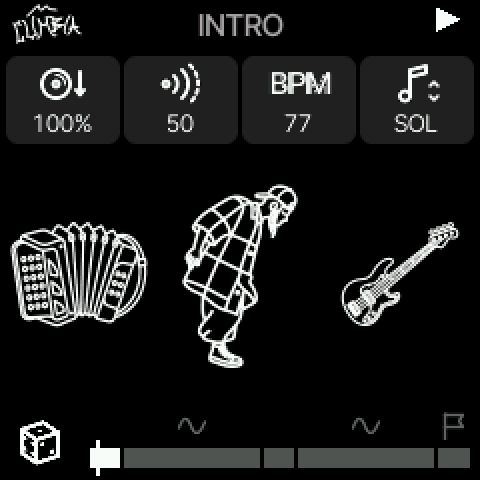
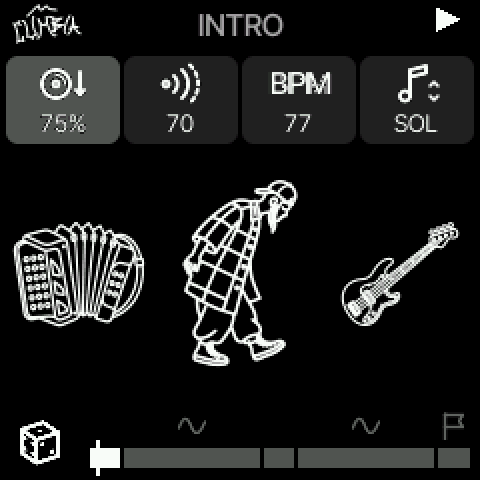
La pantalla

The screen

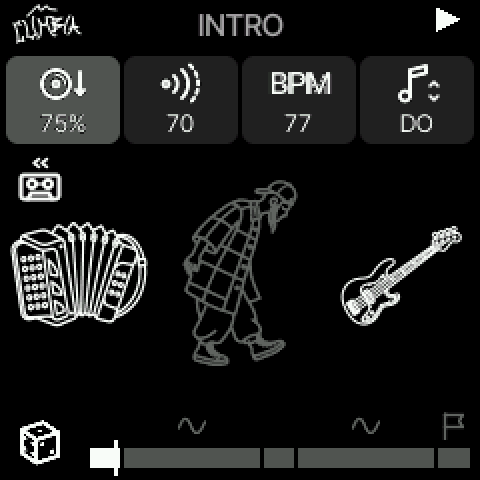
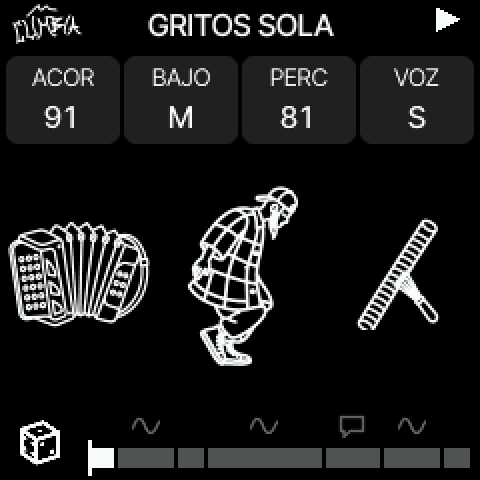
  1. Arriba: en qué parte va la canción (intro, acordeón, para la voz, final). Cuando mueves algo, dice qué es y su valor.
  2. Top: which part of the song is playing (intro, accordion, for the voice, ending). When you move something, it says what and its value.
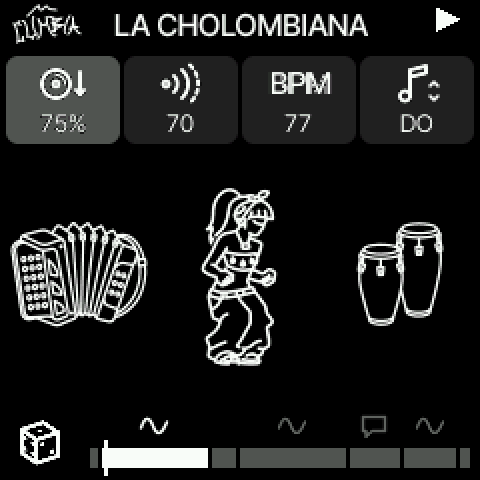
  3. Las cuatro tarjetas: las perillas 1 a 4. Rebajada, reverb, tempo y tono.
  4. The four cards: knobs 1 to 4. Slowdown, reverb, tempo and key.
  5. Al centro: el acordeón, quien baila (o el DJ en boom bap) y la percusión que manda en ese momento. Todo se mueve con la música; con la rebajada se frena.
  6. Center: the accordion, the dancer (or the DJ in boom bap) and whichever percussion is leading. Everything moves with the music; with the slowdown it slows too.
  7. Abajo: el dado y el mapa de la canción, con la parte que suena encendida.
  8. Bottom: the die and the song map, with the playing part lit.

Los controles

The controls

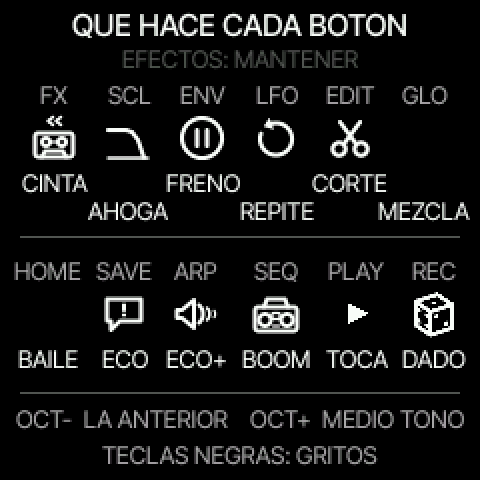
Botones de arriba: efectos (mantener)

Top buttons: effects (hold)

FXCinta para atrás: lo último que sonó, al revésTape rewind: the last few seconds, backwards
SCLAhogada: la música opaca, como tras la paredMuffled: the music dull, like behind a wall
ENVFreno: la tornamesa se apagaBrake: the turntable powers down
LFORepetición: repite el último pedacitoRepeat: loops the last little slice
EDITCorte: se van bajo y percusión, regresan en el tiempoCut: bass and percussion drop out, back on the beat
GLOLa mezcla (ver abajo)The mix (see below)

Botones de abajo

Bottom buttons

HOMETocar: cambia quién baila, el cholombiano o la cholombiana. Mantener: qué hace cada botónTap: switch dancers, the cholombiano or the cholombiana. Hold: what each button does
SAVEEco de sonidero en los gritos, sí o noSonidero echo on the shouts, on or off
ARPEco a todo (mantener)Echo on everything (hold)
SEQBoom bap sí o noBoom bap on or off
PLAYToca o para. La canción se repite hasta que la pares o tires el dadoPlay or stop. The song loops until you stop it or roll the die
RECEl dado: canción nuevaThe die: a new song
OCT−La canción anteriorThe previous song
OCT+Medio tono arriba, como el último tramo de muchas cumbiasUp a half step, like the last stretch of many cumbias

Perillas

Knobs

KNOB 1Rebajada: a la izquierda la cinta se frena hasta 65 %, con todo y afinaciónSlowdown: turn left and the tape slows to 65 %, pitch and all
KNOB 2ReverbReverb
KNOB 3Tempo, 20 BPM arriba o abajoTempo, up or down 20 BPM
KNOB 4Tono del acordeón: Sol, Do, Fa, Re, La, Si♭Accordion key: G, C, F, D, A, B♭
ALGORITHMSentimiento: de exacto como máquina a suelto, con swing y acentosFeel: from machine-tight to loose, with swing and accents
PRESETSEl bajo: el de la canción, tumbao, dub, caminado o saltadoThe bass: the song's own, tumbao, dub, walking or octave jumps
SELECTEl color de la pantallaScreen color
MASTERVolumenVolume

Teclado

Keyboard

Las teclas blancas tocan el acordeón dentro de la escala de la canción: no hay nota que suene mal. Las teclas negras son los gritos, y entran a tiempo en la siguiente corchea:

The white keys play the accordion inside the song's scale: there's no wrong note. The black keys are the shouts, and they land on the next eighth note:

  1. ¡Wepa!
  2. ¡Cumbia!
  3. ¡Opa!
  4. ¡A bailar!
  5. ¡Desde Monterrey!
  6. ¡Weweaa!
  7. ¡Pa gozar!
  8. ¡Ave!
  9. ¡Escuchen esto!
  10. ¡Es tu música!
  11. ¡Oh oh oh!

La mezcla (GLO)

The mix (GLO)

Las perillas 1 a 4 son los volúmenes de acordeón, bajo, percusión y gritos. FX, SCL, ENV y LFO callan cada uno; con GLO mantenido lo dejan solo. HOME o GLO otra vez regresan.

Knobs 1 to 4 set accordion, bass, percussion and shout levels. FX, SCL, ENV and LFO mute each one; with GLO held they solo it. HOME or GLO again goes back.

Para producirFor producers

Llévatelo a tu DAW

Take it to your DAW

CUMBIA no se programa paso a paso: es un sonidero, tú la diriges en vivo. Pero lo que salga es tuyo para grabarlo, samplearlo y trabajarlo.

CUMBIA isn't programmed step by step: it's a sonidero, you run it live. But whatever comes out is yours to record, sample and work on.

  1. Graba por USBRecord over USB Con el mismo cable, el FM-1 aparece en la computadora como entrada de audio. Elígelo en Ableton o tu DAW y graba la mezcla directo, sin cables extra. Over the same cable, the FM-1 shows up on the computer as an audio input. Pick it in Ableton or your DAW and record the mix directly, no extra cables.
  2. Graba por pistaRecord each part Desde la pantalla principal, mantén GLO (entra a la mezcla) y sin soltarlo toca FX, SCL, ENV o LFO para dejar sola el acordeón, el bajo, la percusión o los gritos. Para cambiar de pista, sal con GLO y repite. Graba una pasada de cada una empezando siempre con PLAY: la canción arranca desde el inicio y en la DAW quedan alineadas. From the main screen, hold GLO (it opens the mix) and, still holding it, tap FX, SCL, ENV or LFO to solo the accordion, bass, percussion or shouts. To switch parts, leave with GLO and repeat. Record one pass of each, always starting with PLAY: the song starts from the top and they line up in the DAW.
  3. Toca tu propio acordeónPlay your own accordion Las teclas blancas tocan el acordeón sobre la canción, siempre dentro de su escala: no hay nota que suene mal. Mete tus remates y melodías, y grábalos junto con todo lo demás. ¿Quieres ser tú el acordeonista? En la mezcla (GLO) toca FX: el acordeón del firmware se calla, sigue la base de percusión y bajo, y las teclas blancas siguen sonando. The white keys play the accordion over the song, always inside its scale: there's no wrong note. Add your own runs and melodies, and record them with everything else. Want to be the accordion player? In the mix (GLO) tap FX: the firmware's accordion goes quiet, the percussion and bass keep going, and the white keys still play.